Free
Everything you need to protect your files on one device.
- Unlimited vaults, each with its own PIN
- All file types, notes & rich text
- Up to 100 files per vault
- Folders, tags & search · one device
Keep photos, videos, documents and notes behind a PIN, encrypted on your device. No account. No servers. If you back up to iCloud, it holds only encrypted data that no one but you can read.
Sealed. Readable by no one but you.
iPhone & iPad · iOS 17+ · Free
Sealby does three simple jobs, and does them properly.
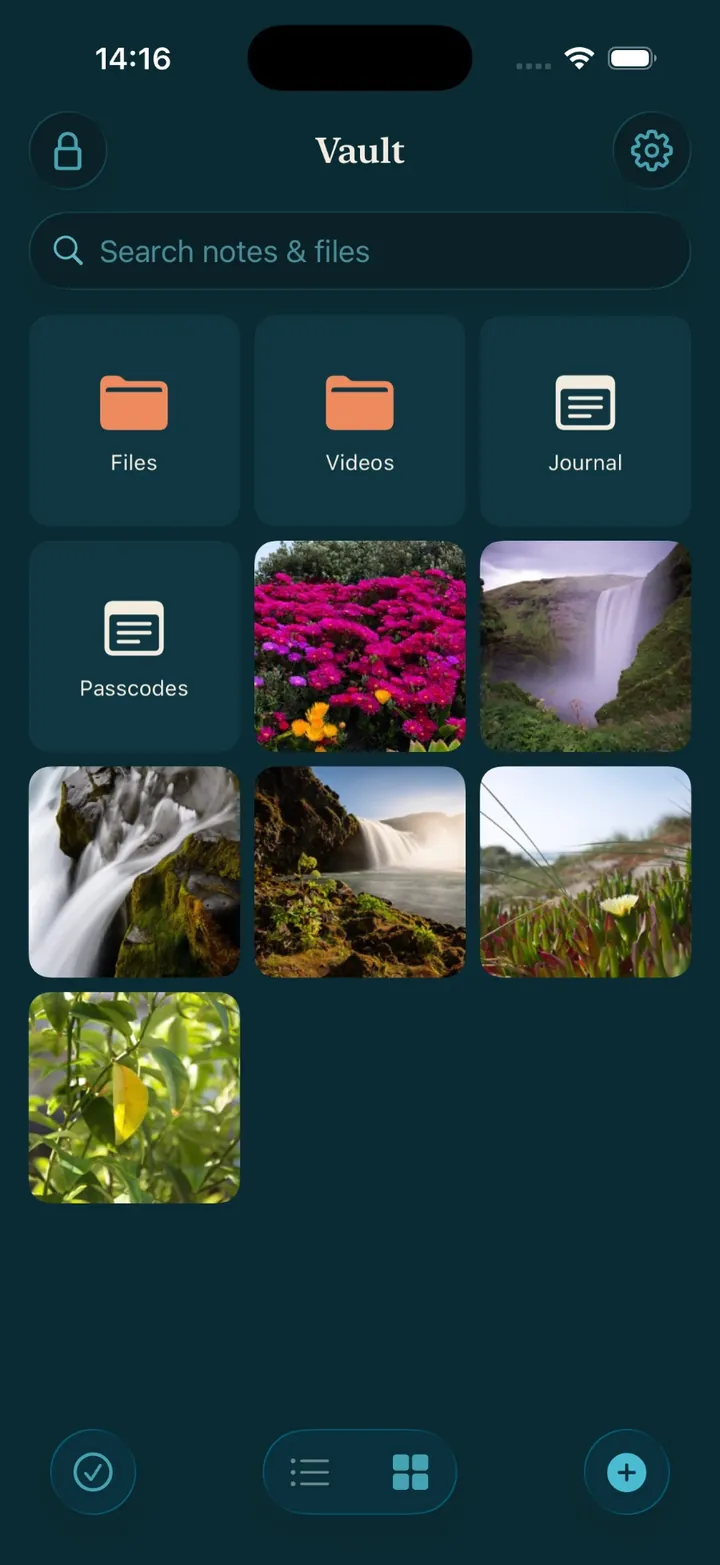
Keep private photos and videos in an encrypted vault only you can open. Import them from your library, or take new ones straight into the vault.
Passport scans, contracts, recovery codes, medical records. All encrypted, and readable only by you.
No account. No cloud unless you turn it on. No list anywhere of your vaults.
You don’t have to take our word for it. There is no account, no server, and the keys live only on your devices.
Read the security modelPhotos and videos, passwords and 2FA codes, IDs, medical and financial records, crypto seed phrases, or any other file. If it’s private, it belongs in a vault.
Everything you need to protect your files on one device.
Encrypted iCloud backup, plus sync of the vaults you choose across your devices.
Premium is a monthly or yearly plan (each with a 7-day free trial), or a one-off lifetime purchase. Current prices are shown in the App Store.
No. Free stays free: unlimited vaults and every file type on your iPhone or iPad, with up to 100 files per vault. Premium removes the cap.
No account with us. Purchases go through your Apple ID and are verified on your device.
More questions? Read the full FAQ or browse How-to articles.
Your privacy comes from how Sealby is built: no account, no server, and keys that never leave your device.
No account, no servers, no master key. Not a third party, not even us. There is no key anyone could hand over.
Every file and note is encrypted with AES-256 before it is saved or synced.
If you back up to iCloud, it stores only encrypted data it can’t read. Nothing can open it without your key.
A different PIN opens a different vault. Sealby keeps no list or count of your vaults, anywhere.
Rich-text notes next to any kind of file, with folders, tags and instant search.
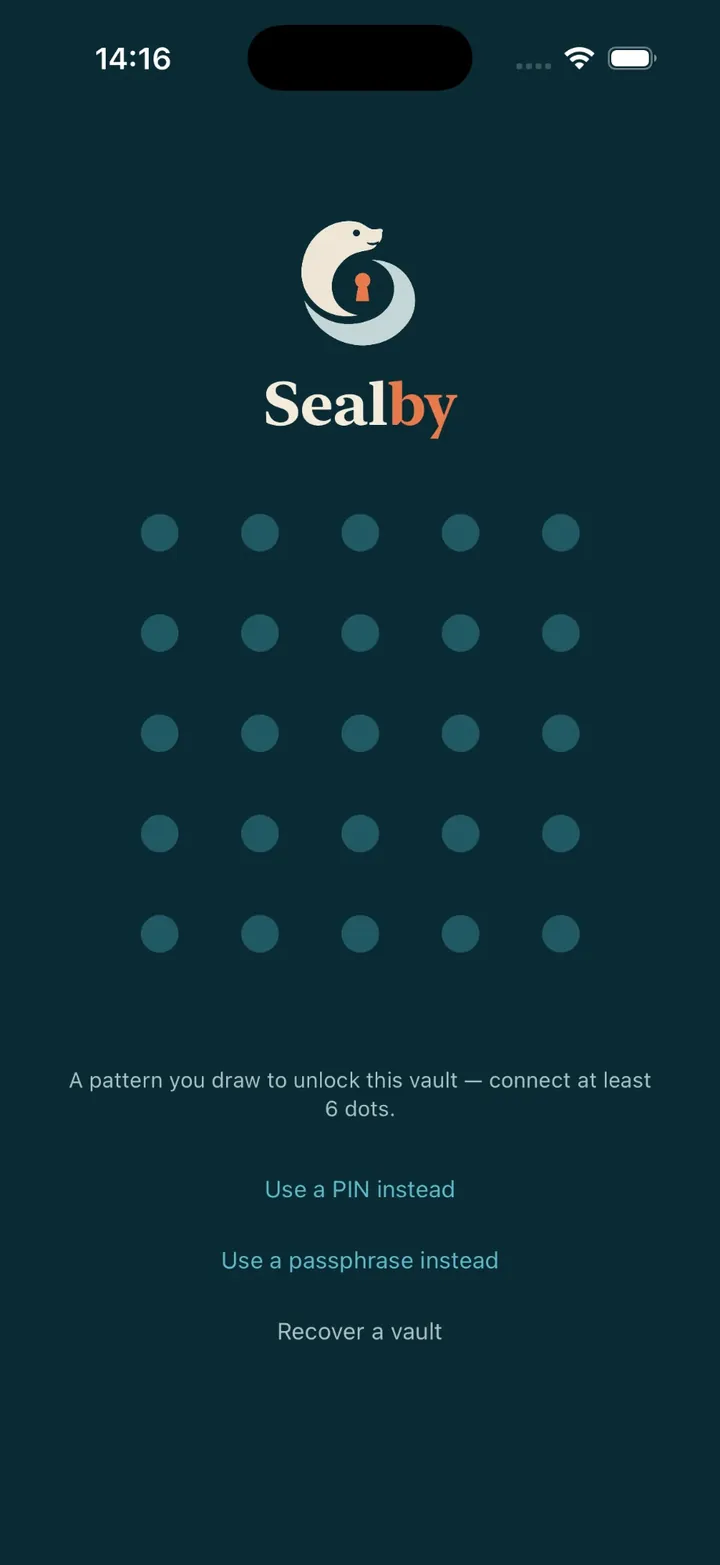
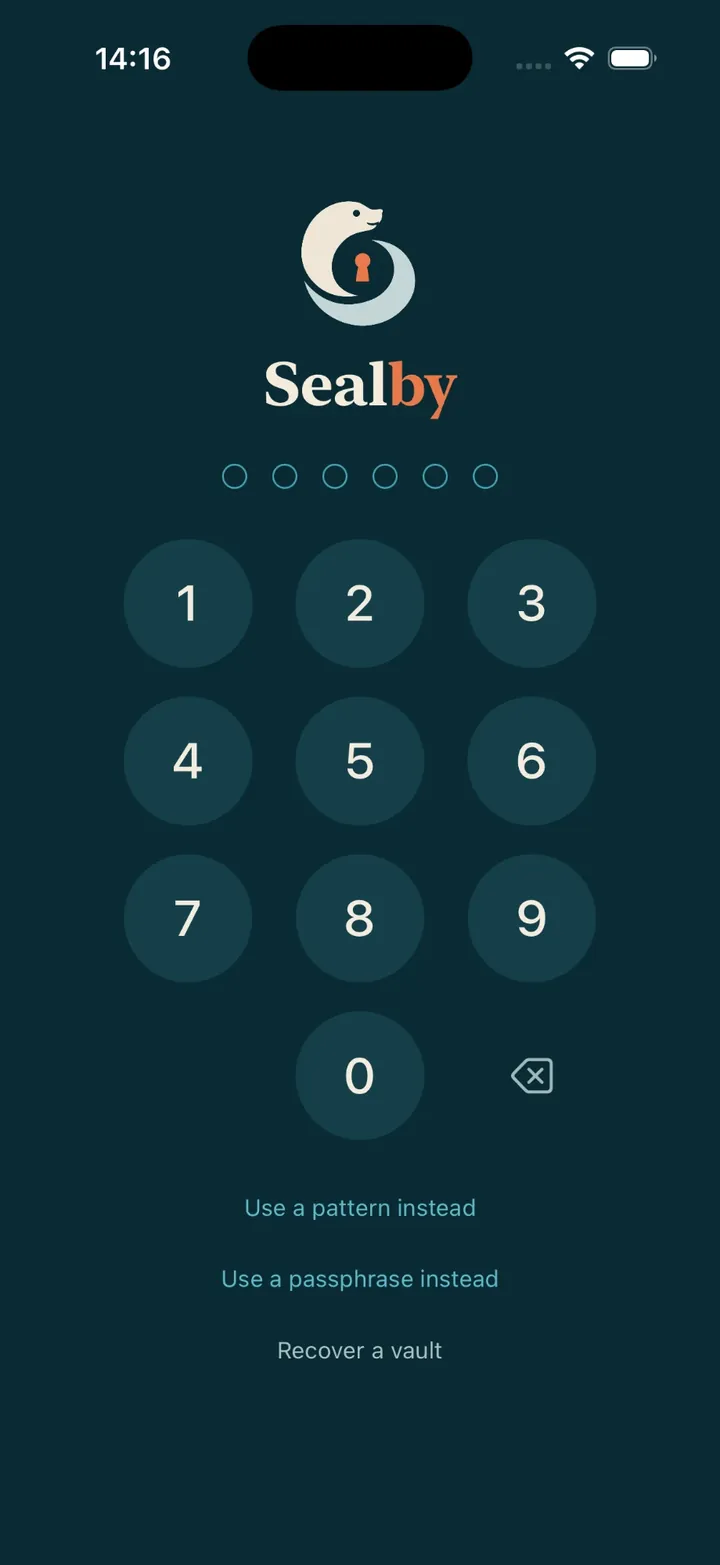
Your keys stay on your device and unlock only with your PIN, pattern or passphrase.
Download Sealby and protect what matters. Setup takes under a minute, and there’s no account to create.
iPhone & iPad · iOS 17+ · Free