Hide private photos, videos & files.
Strong encryption for your private data. No account. No servers.
Sealed. Readable by no one but you.
 Scan with your iPhone camera to install
iPhone & iPad · iOS 17+ · FreeSee how it works


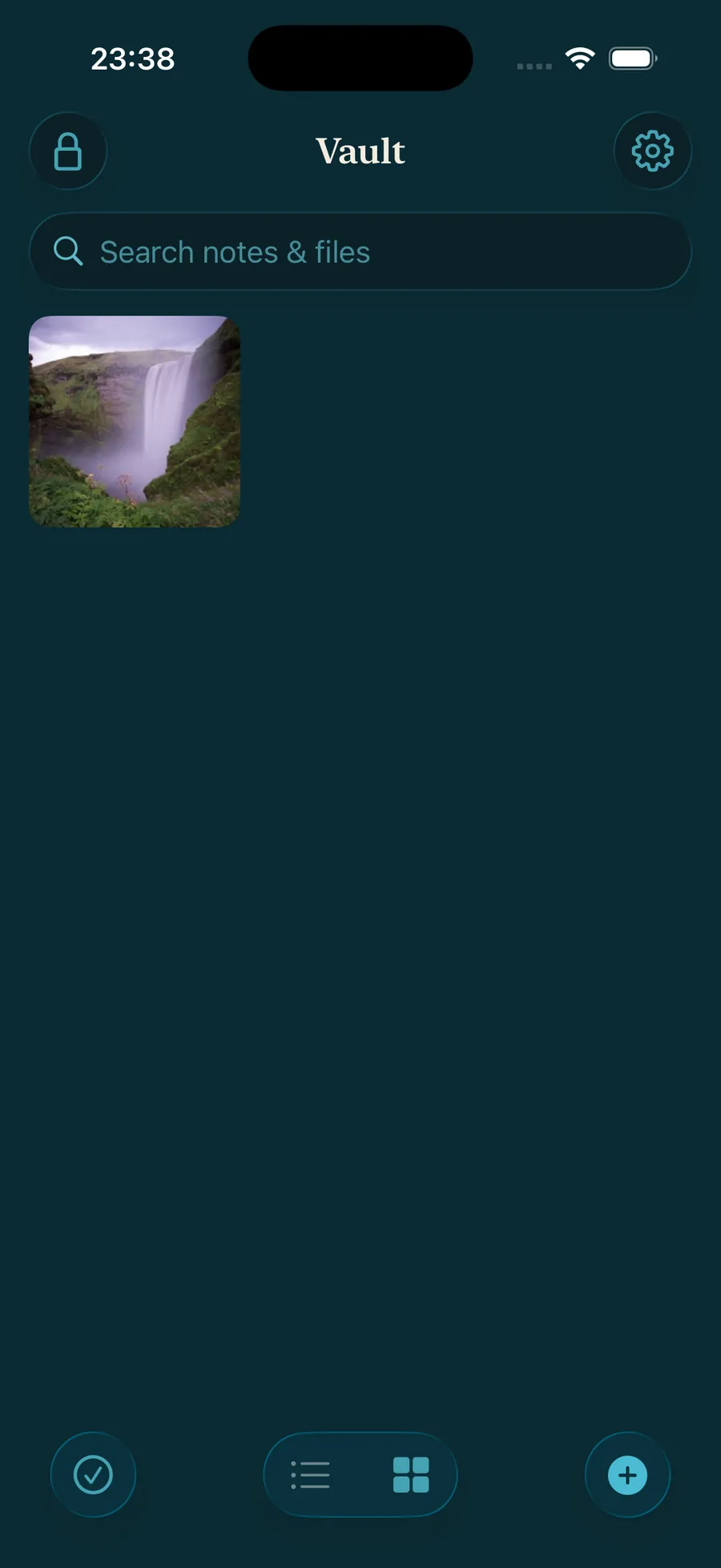
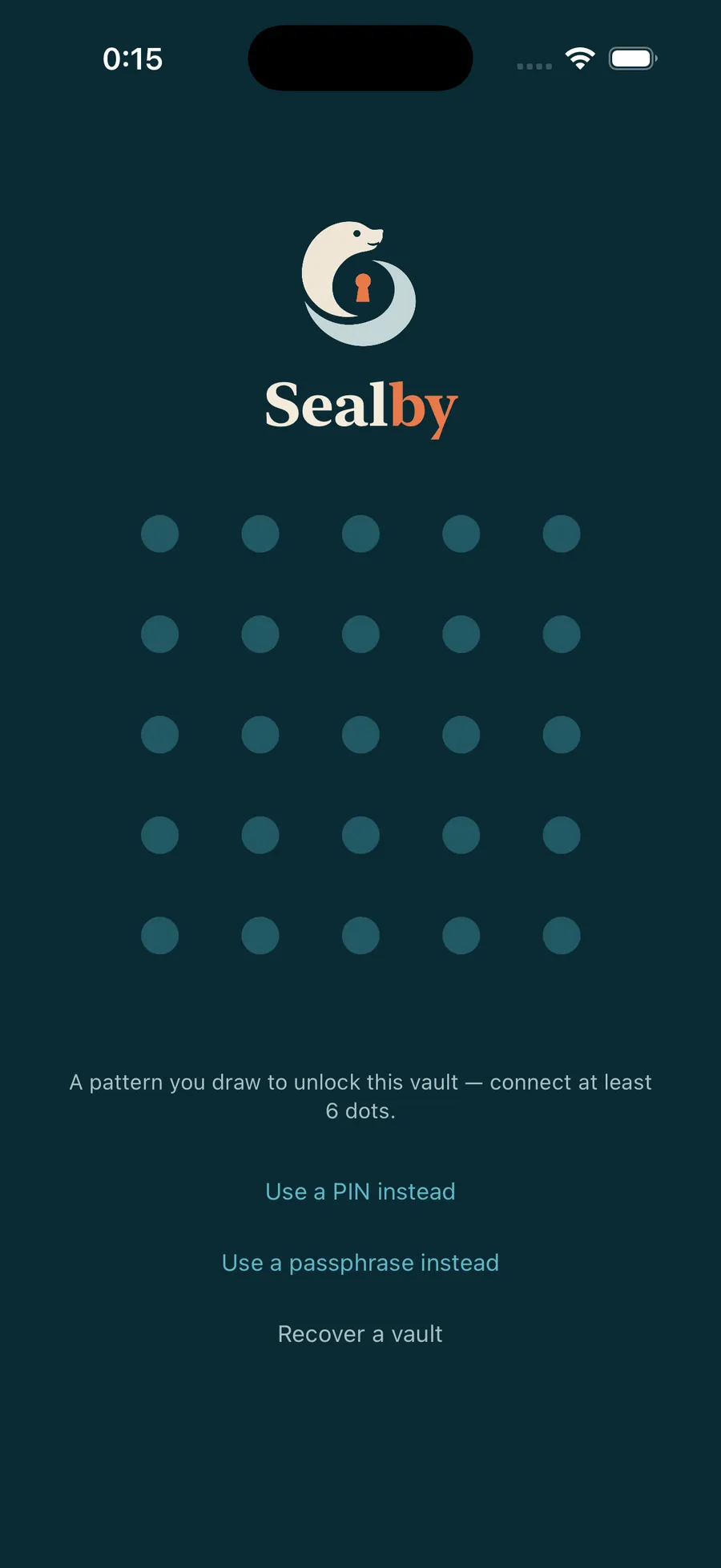
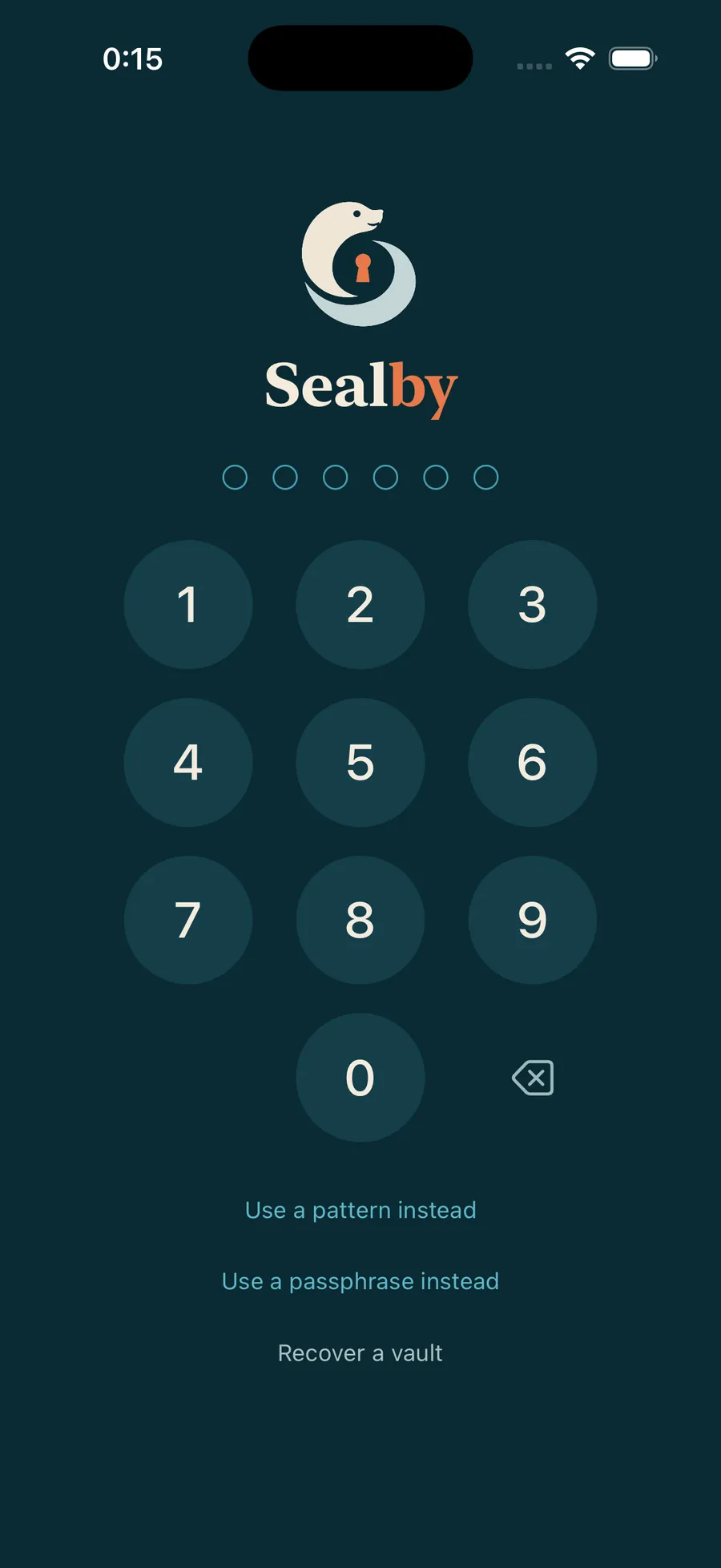
Not just a vault for private photos and videos.
Sealby also does the rest of the job:
- Secure cameraTake photos and videos straight into the vault. They never touch your camera roll and carry no camera metadata.
- Secure documentsScan passports, IDs and contracts straight into the encrypted vault. Any other file type too, each encrypted with its own key.
- Notes & passwordsRich-text notes for passwords, backup codes and journals, next to your files.
- Folders, tags & searchFolders inside folders, tags that cut across them, instant search.
- Encrypted backup, sync & sharingiCloud holds only scrambled blocks. Share a vault with others, or sync it with your iPad. Premium.
- Local-only vaultsAny vault can stay on the phone and never sync. Your choice, per vault.
- Cold vaultsFor the highest possible security. A vault with no PIN, stored silently on your phone or in iCloud. It opens only with its 12-word recovery phrase.
- Duress PINOpens a decoy vault and removes your other vaults from the phone. Your encrypted backup restores them later. Premium.
Encrypted on your iPhone. Scrambled everywhere else.
- 1
Encrypted on your iPhone
Every photo, video, file and note is encrypted locally on your device. Take a photo straight into the vault with the secure camera and it never touches your camera roll.
- 2
Synced scrambled
When backup or sync is activated, iCloud and your other devices only ever receive scrambled blocks of encrypted data. Nothing readable leaves your phone. Nothing can be counted.
- 3
Only you decrypt
Your PIN, Pattern or recovery phrase turns them back into your photos, on your devices only. You don’t need an account, any servers, or any master key.
Strong encryption.
Read the full security overview- No account
- No servers of ours
- No master key
- No trackers
- AES-256-GCM encryption
- Keys in the Secure Enclave
- A 12-word recovery phrase per vault
Backed up. Gone in a pinch. Nothing lost.
- 1
Your vaults, on your iPhone
Set each vault’s sync or backup settings.
- 2
Encrypted iCloud backup
Scrambled on your phone first. iCloud holds only what no one can read.
- 3
A duress PIN clears the phone
Set a harmless decoy vault. When opened, it removes your other vaults from the phone.
- 4
Nothing is lost
Your encrypted backup keeps them safe to restore later. A 12-word recovery phrase brings each vault back.
Hidden is not locked. Locked is not hidden.
Be careful of other vault apps. Not all of them encrypt your data!
- Opens with your passcodeHidden album & locked notes
- Your phone passcode or Face ID opens them. Anyone who has it is in.
- The album and the note titles stay in plain sight.
- Photos only, or notes only. Never files.
- Often not encryptedPhoto-vault & calculator apps
- Many just move files into a hidden folder. A backup or a file browser shows everything.
- The calculator disguise is a trick everyone knows.
- Ads, accounts and trackers come with the app.
- Encrypted, but visiblePassword managers & encrypted drives
- Strong encryption, but the app and its contents are plainly there for anyone to see.
- One master password opens everything.
- An account that can be phished, reset or subpoenaed.
- Face ID intentionally doesn’t work in Sealby
- Sealby encrypts everything with AES-256
- No list or count of vaults, anywhere
- No account, no ads, no trackers
Free forever.
Sealby is free, always. Buy Premium features if you need them.
Free offers unlimited vaults, every file type, notes, folders, tags, and a 12-word recovery phrase for every vault. Up to 100 files per vault.
Premium adds unlimited files, encrypted iCloud backup, sync, vault sharing and the duress PIN. Lifetime, or monthly / yearly.
Compare plansReadable by no one but you.
Setup takes under a minute. There is no account to create.
Scan with your iPhone camera to installYour first vault, in a minute.
- 0Take the Quick TourEvery screen, in two minutes.
- 1How vaults workVaults, unlocking and your secret. Start here.
- 2Adding photos, files and notesPhotos, Files, Camera, Paste, or the share sheet from any app.
- 3Your recovery phraseThe 12 words, and what happens if you lose your PIN or phone.
- 4Multiple vaultsA second PIN, a second vault. No switcher, on purpose.
Privacy, explained plainly.
- ArticlesWhat is a deniable vault?Encryption hides what data says; deniability hides that it exists. How plausible-deniability storage works, its history, and its honest limits.
- ArticlesCan you be forced to unlock your phone?Passcodes vs biometrics, borders vs ordinary stops, compelled-decryption laws — the landscape in plain English, and how deniability changes it.
- ArticlesZero-knowledge encryption, explained.What the most reassuring phrase in privacy really promises, the recovery-path test that exposes pretenders, and what is stronger still.