The basics
PIN, passphrase & pattern
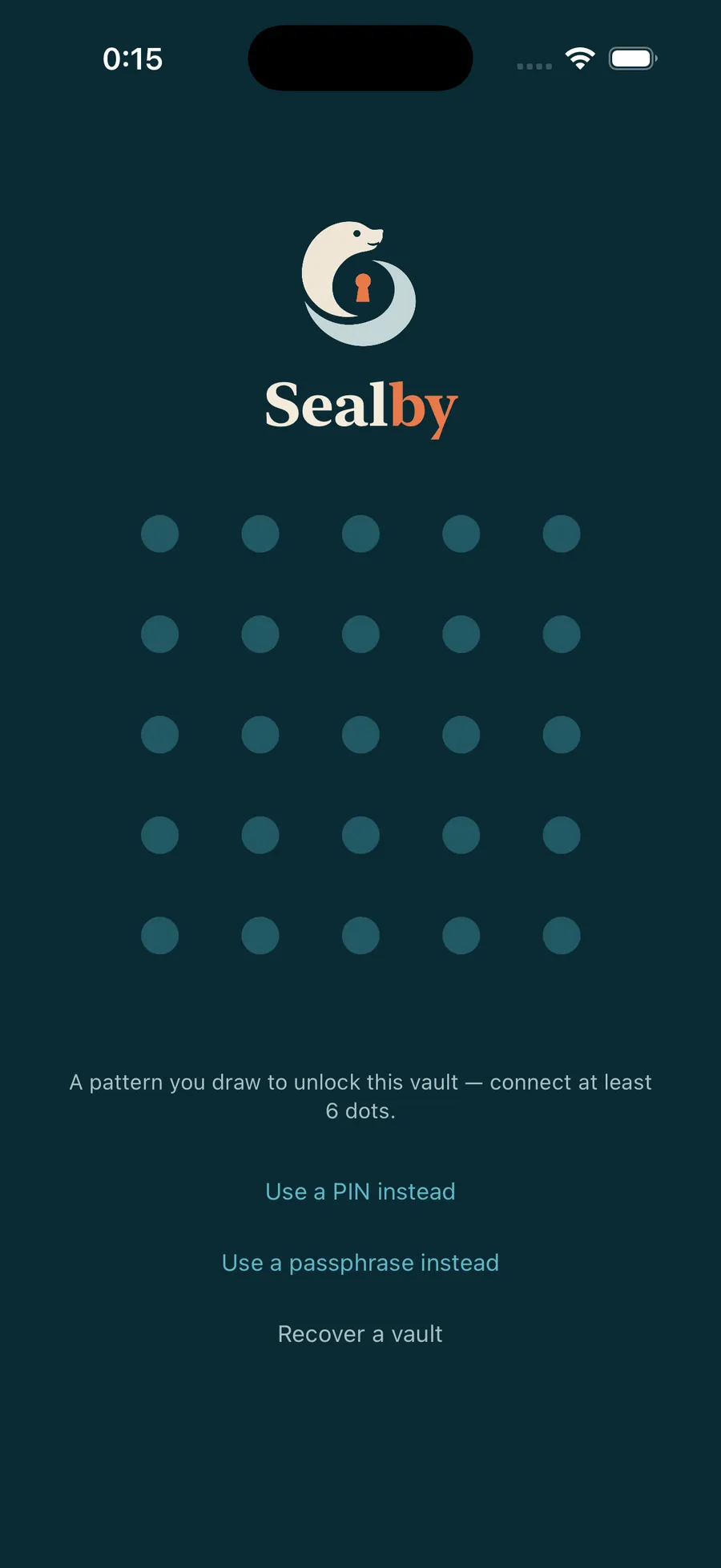
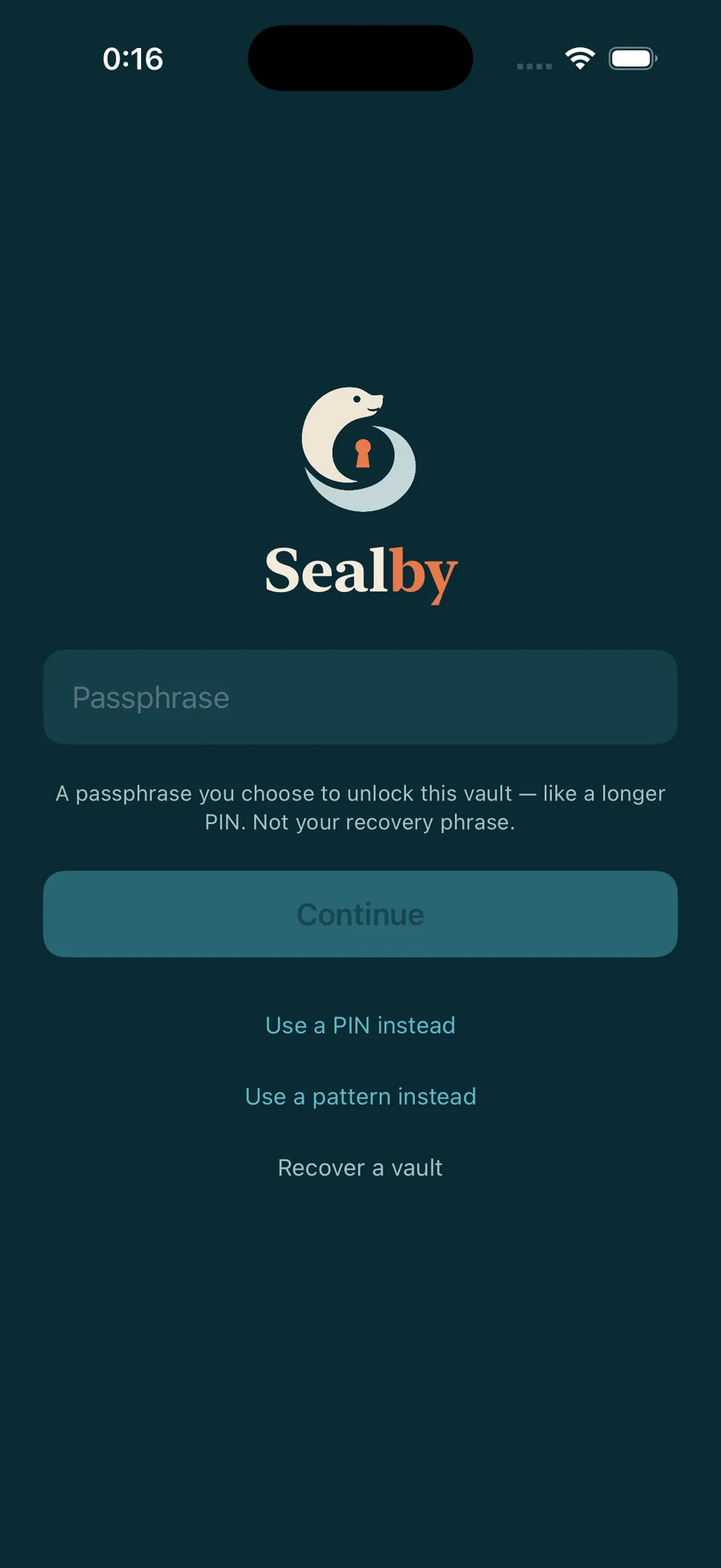
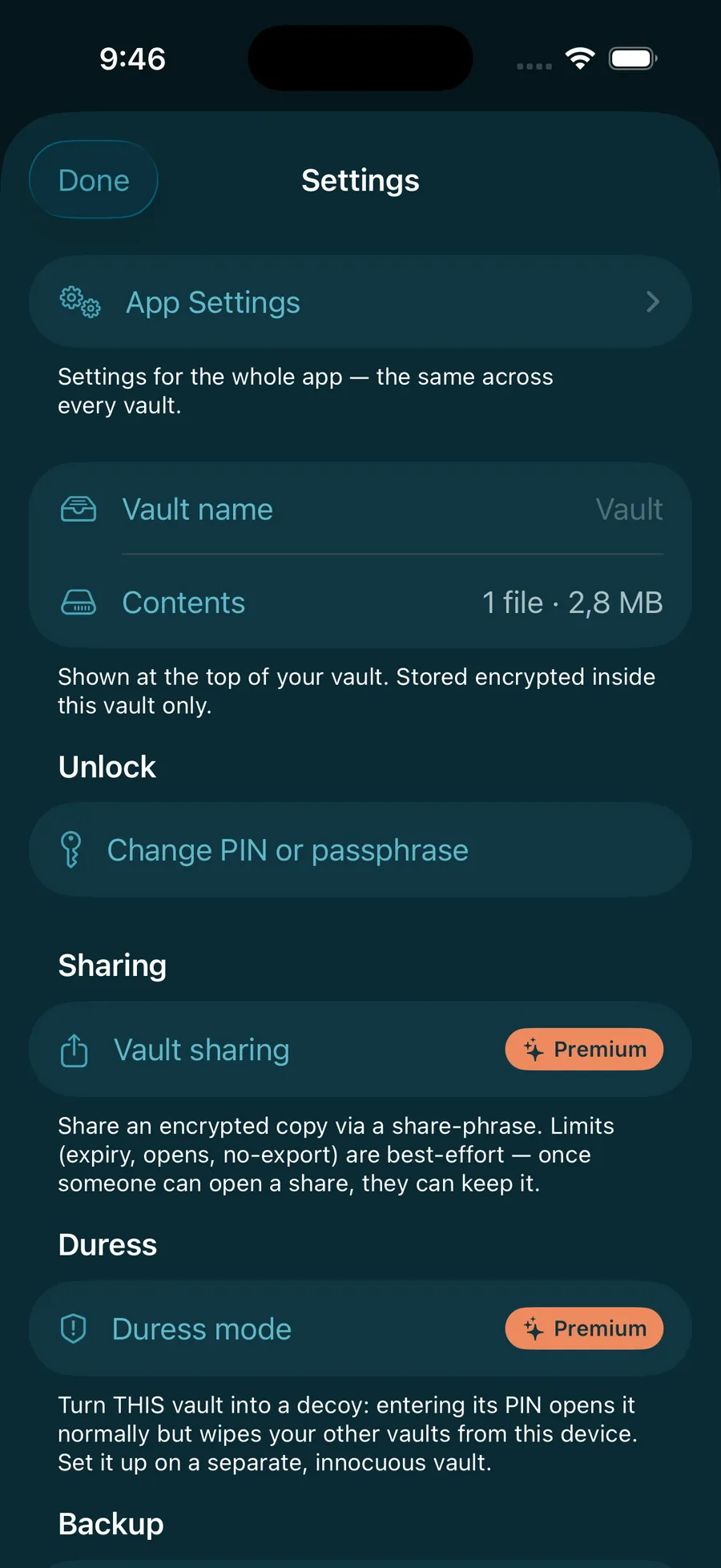
Three ways to type one secret. Pick the one that suits you — and set which screen opens by default.
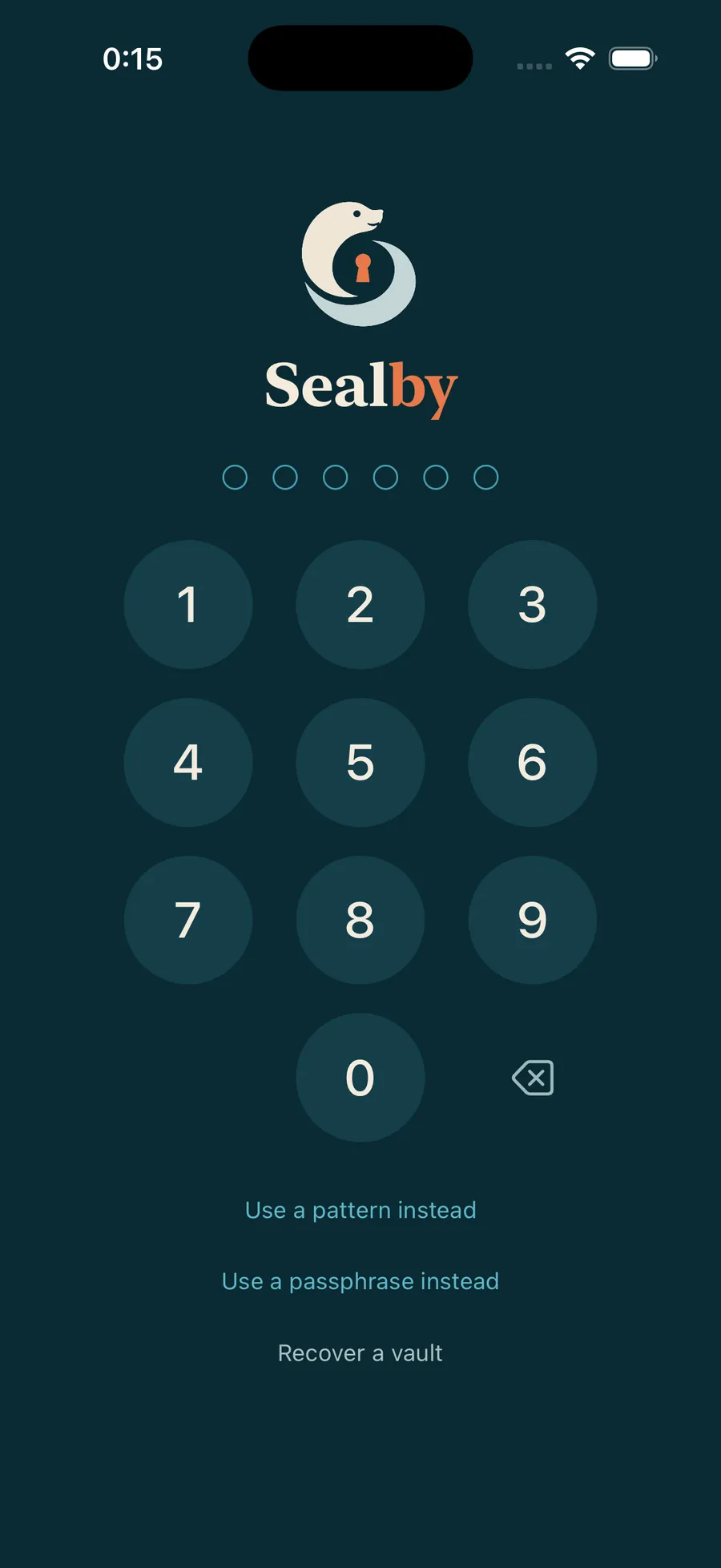
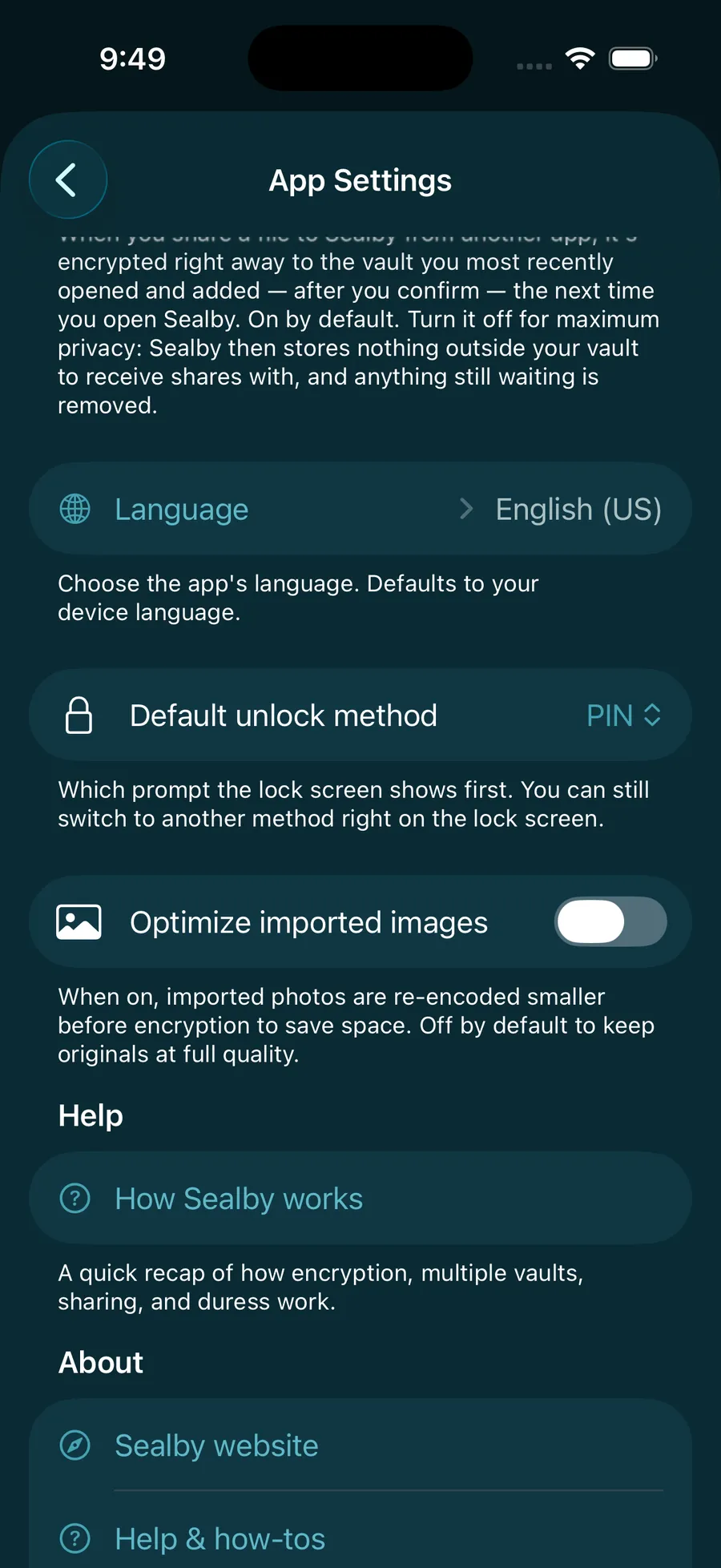
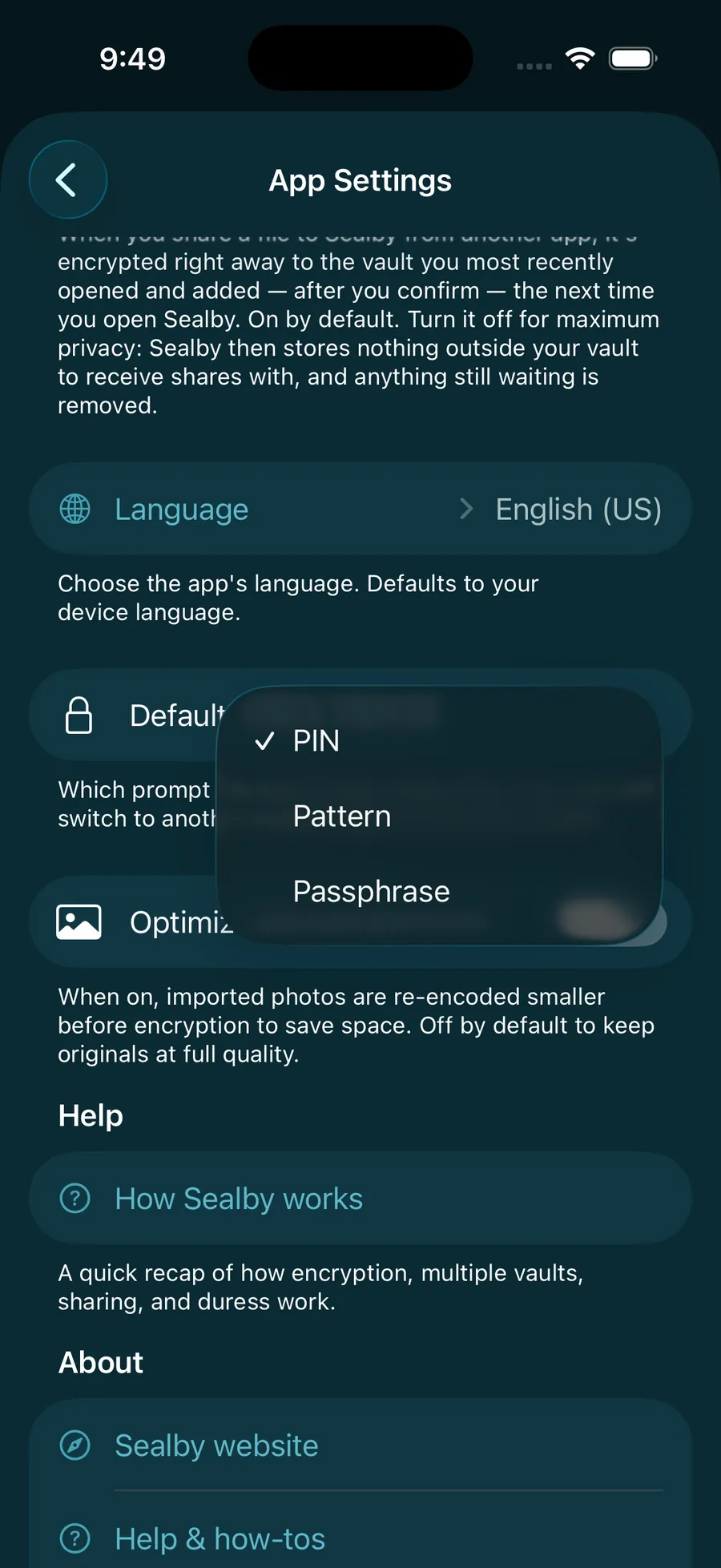
- PINA 6-digit code. The default — fastest for every day.
- PassphraseA longer text secret. The strongest of the three to guess.
- PatternJoin 6+ dots on a 5×5 grid. Handy and accessible — not stronger.
Your PIN, pattern or passphrase only unlocks this phone. The vault’s 12-word recovery phrase is the real key — keep it safe.
Your vault is waiting.
Download Sealby and protect what matters. Setup takes under a minute, and there’s no account to create.
Download on the App Store
iPhone & iPad · iOS 17+ · Free