The basics
Multiple vaults
One app, as many vaults as you like — each its own encrypted space, and nothing reveals the others.
One app, as many vaults as you like — each its own encrypted space, opened by its own PIN, and none revealing the others. How separation, the recovery phrase and on-device encryption fit together.
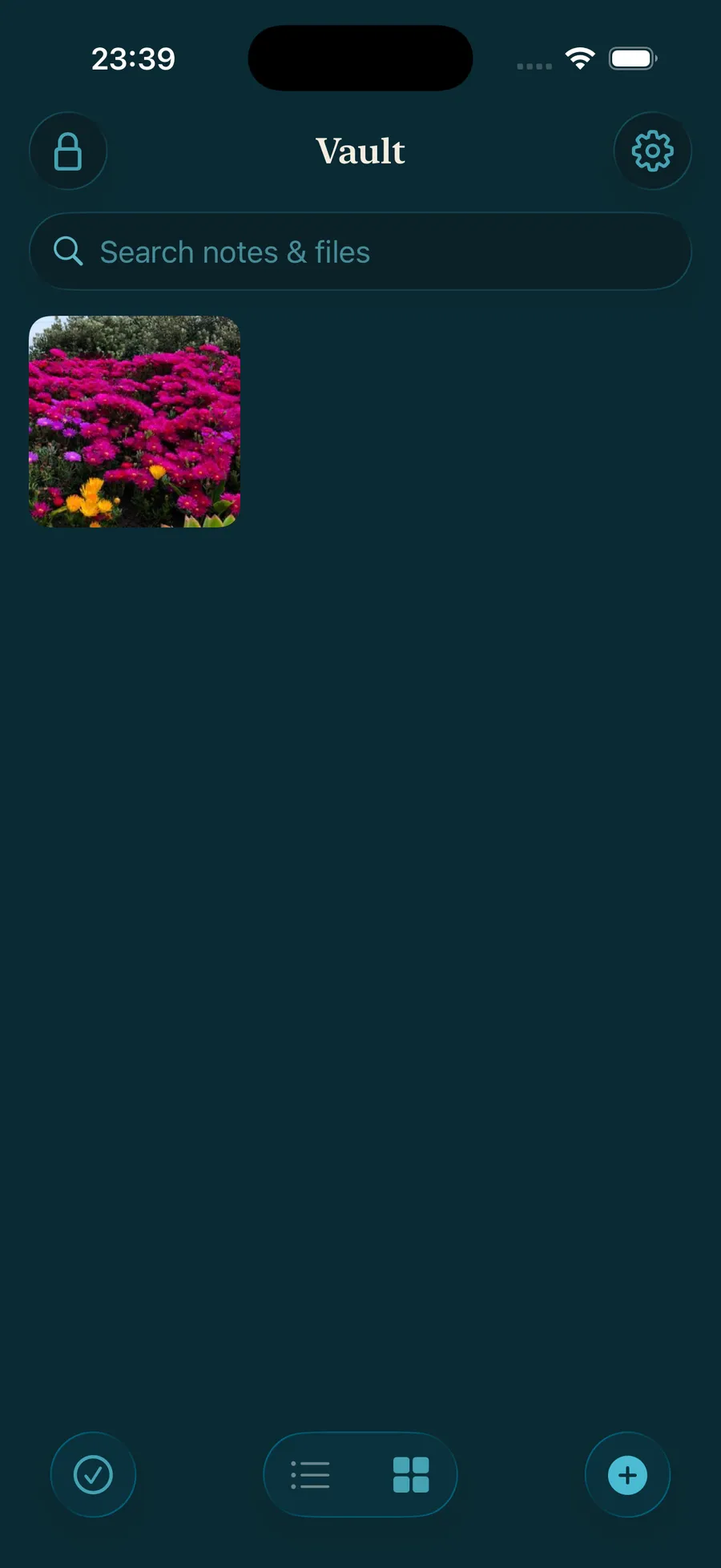
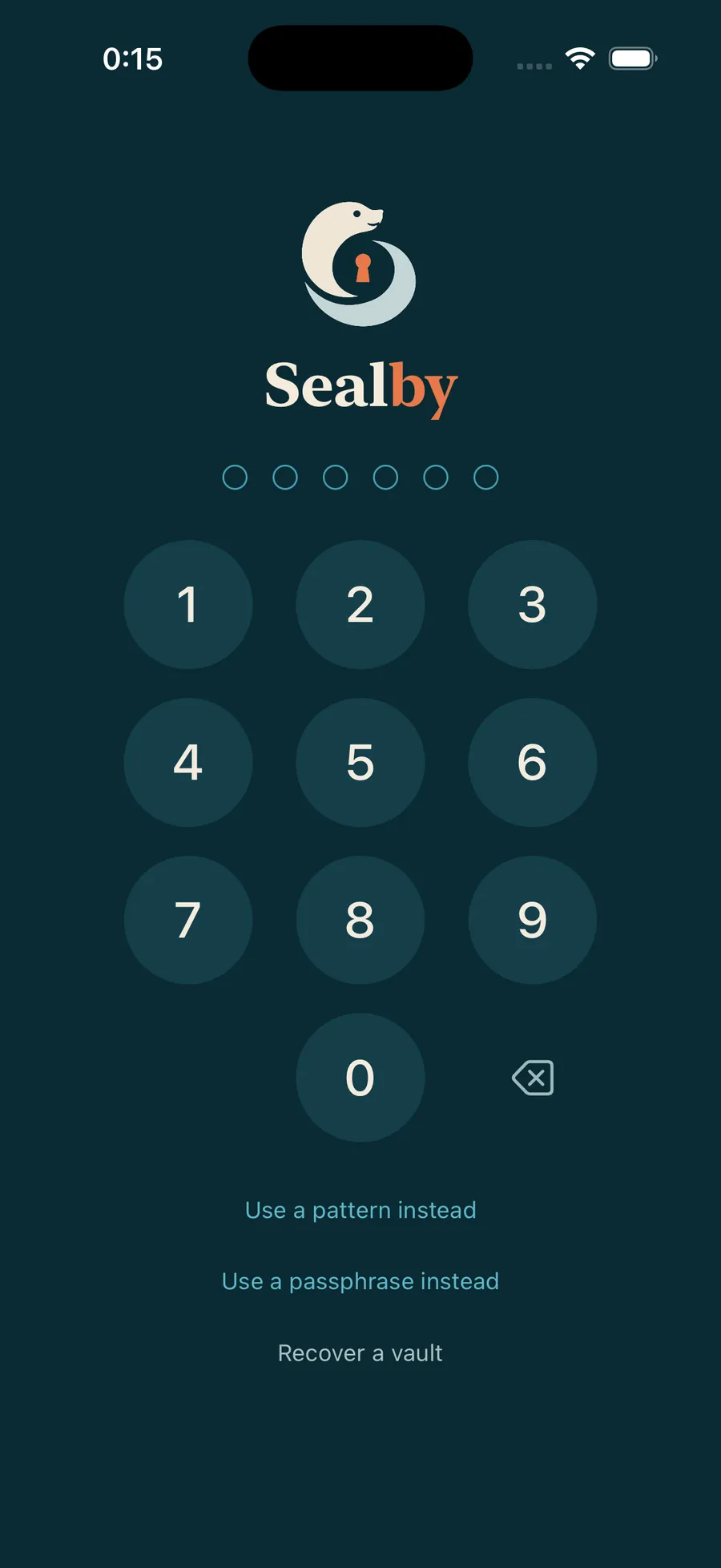
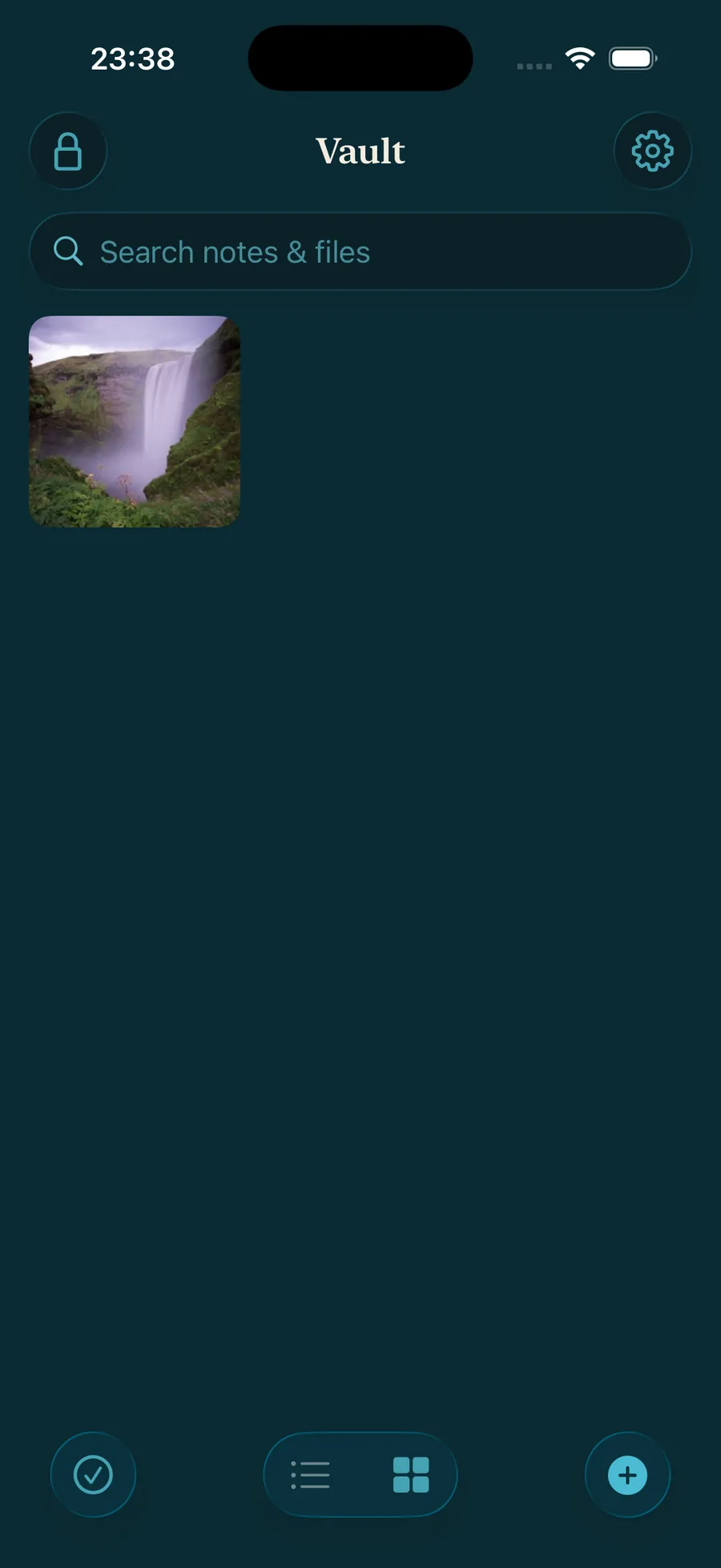
A different PIN opens a different vault.
Each vault is a separate encrypted space. Lock, enter another secret, and you’re somewhere else entirely — nothing links the two, and neither points to the other.
How to add a new vault: Simply enter a new PIN. An empty vault opens. Add files and folders, and write down its recovery phrase.
What actually keeps it safe
Your recovery phrase guards the vault
PIN · passphrase · pattern
A fast way in on this device.
Recovery phrase 12 words
The true key — with an encrypted backup, it restores the vault on a new phone.
No one can count your vaults
There’s no list anywhere — not even in the app. Until a secret unlocks one, nothing shows a vault exists. Any vault can stay hidden.
Under the hood
Everything is encrypted on your device with AES‑256‑GCM before it’s written to storage. Your secret is stretched with Argon2id and bound to the device’s Secure Enclave — so the vault key can only be derived on this phone, with your secret.
Your vault is waiting.
Download Sealby and protect what matters. Setup takes under a minute, and there’s no account to create.
iPhone & iPad · iOS 17+ · Free